Better photos in one tap.
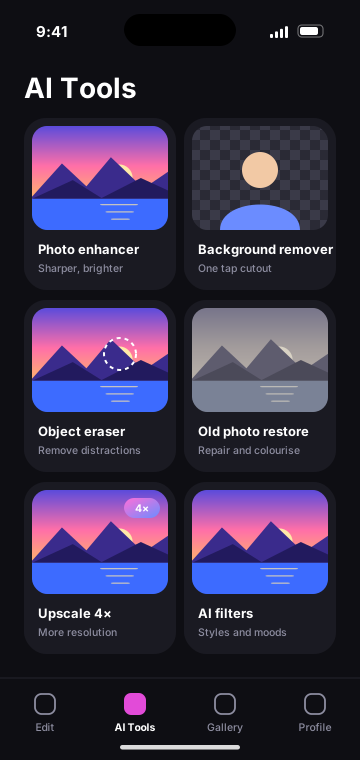
Our photo products use AI to do in seconds what used to take an editor: sharpen and brighten, remove a background or an unwanted object, restore old photos and increase resolution.
What it does
AI photo enhancement and editing, designed and produced by Nexavo International Group.
One-tap enhance
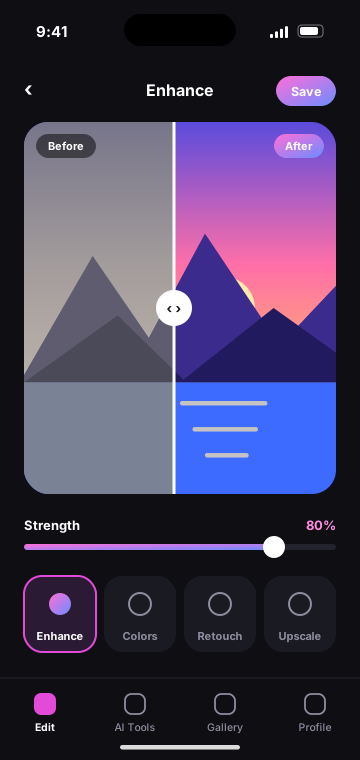
Improves sharpness, light and colour, with a strength slider to stay natural.
Background remover
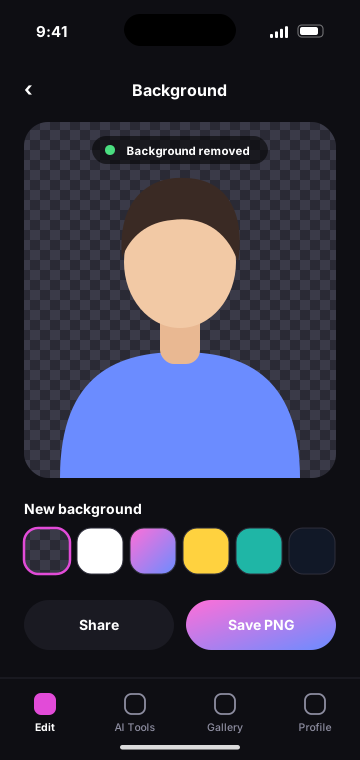
Clean cut-outs of people, products and pets, exported with transparency.
Object eraser
Brush over a distraction and the gap is filled to match the scene.
Old photo restore
Reduces scratches and blur and can colourise black-and-white photos.
Upscale
Increases resolution for printing or cropping.
Filters and adjustments
Styles plus manual control over the classic editing tools.
Three steps, no manual.
Choose a photo
Pick from the library or take a new one.
Pick a tool
Enhance, remove, restore or upscale.
Compare and save
Check the before and after, then export or share.
Frequently asked
Is the original photo changed?
No. Edits are saved as a new image and the original stays in the library.
Where are photos processed?
Some tools run on the device and others on our servers. Details are in our Privacy Policy.
What formats can be exported?
JPEG and PNG, including PNG with a transparent background.
Other product lines
Let’s talk about what we can build together.
Partnerships, press, licensing or a question about one of our products — we read every message.